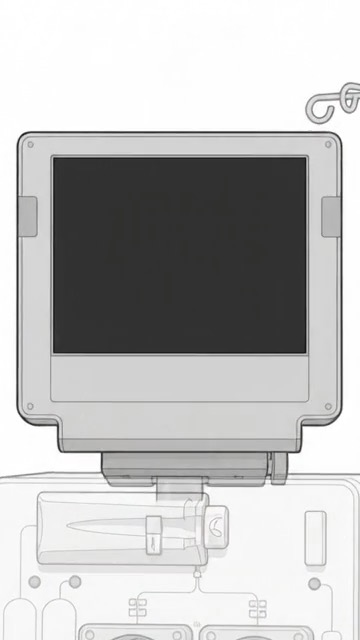
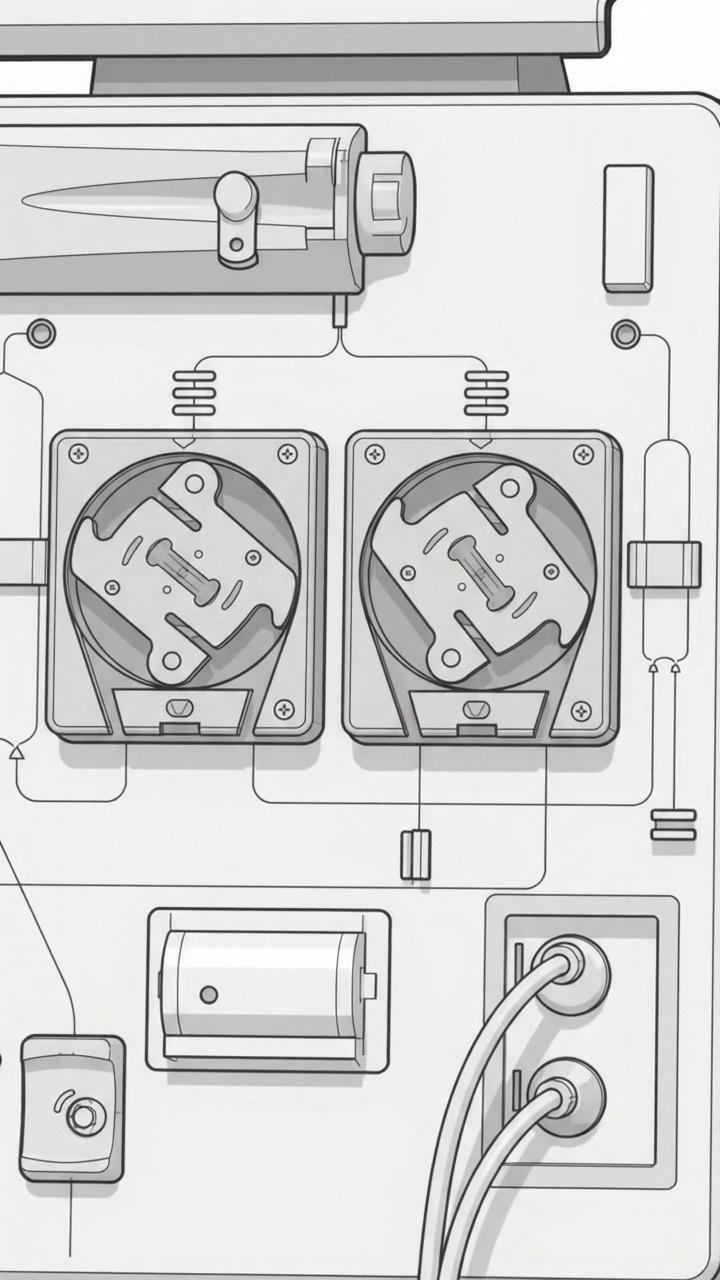
Tap a screen item
What are you looking at? Tap any item on the screen to see what it means, what staff are watching for, and why the number may change during treatment.
Can it cause an alarm? Some values are tied to safety alarms. Others show a prescribed setting or how far treatment has progressed. An alarm means the machine or staff need to check something—it does not tell you the diagnosis by itself.
What Staff Are Checking Staff look at trends, the vascular access, the bloodlines, the prescription, and how the patient is feeling. One number rarely tells the whole story.
Screen reading
Arterial Pressure Arterial pressure reflects resistance on the side of the blood circuit pulling blood from the access toward the dialyzer. On many machines it appears as a negative number, but the exact sign, location of the sensor, and expected range depend on the machine and setup.
Can it alarm? Yes. If the pressure moves outside the machine’s alarm limits, staff may check the access needle or catheter, the bloodline for kinks, patient position or movement, signs of clotting, and whether the blood-pump rate is appropriate for the access.
What Staff Are Checking The trend matters more than a single reading. Staff interpret it together with the access, bloodlines, blood-pump setting, and the rest of the circuit.
Screen reading
Venous Pressure Venous pressure reflects resistance on the return side of the blood circuit after blood has passed through the dialyzer and is heading back to the access. There is no single normal number for every patient because the reading depends on the access, tubing, blood-flow rate, and machine setup.
Can it alarm? Yes. If the pressure rises or falls outside the alarm window, staff may check the return needle or catheter, the tubing for kinks or clotting, the access, patient movement, and the blood-flow setting.
What Staff Are Checking Staff watch the trend rather than chasing one number. They interpret it alongside the access, return bloodline, dialyzer, blood-flow setting, and other pressure readings.
Calculated pressure
TMP — Transmembrane Pressure TMP, or transmembrane pressure, is a calculated pressure difference across the dialyzer membrane. It helps describe the pressure driving fluid across that membrane. Because machines calculate TMP differently, the sign and number are not directly comparable across every device.
Can it alarm? Yes. A significant change or out-of-limit result may prompt staff to assess the dialyzer and the blood, dialysate, and ultrafiltration conditions.
What Staff Are Checking The trend over time—not a universal target—together with the dialyzer, ultrafiltration rate, blood flow, and other pressure readings.
Treatment setting
BFR — Blood-Flow Rate BFR means blood-flow rate. It is the programmed speed of the blood pump, usually shown in mL/min. It tells you how fast the machine is set to move blood through the extracorporeal circuit—not how much blood is flowing inside the fistula, graft, or catheter itself.
Can it alarm? BFR is mainly a setting. Pressure, access, pump, or circuit conditions can generate alarms and may cause staff—or the machine’s safety system—to slow or stop the pump.
What Staff Are Checking The prescription, arterial and venous pressures, access performance, tubing, and whether the intended treatment is being delivered.
Treatment setting
DFR — Dialysate Flow Rate DFR means dialysate-flow rate. It is the rate at which dialysate moves through the dialysate side of the dialyzer, usually shown in mL/min. It is a treatment setting—not a laboratory value—and the prescribed rate can vary by machine and treatment plan.
Can it alarm? Dialysate-flow or delivery-system problems can trigger alarms or safety responses. A flow lower than prescribed can reduce dialyzer clearance.
What Staff Are Checking The prescription, dialysate delivery, conductivity, temperature, and whether flow through the dialyzer is established.
Dialysate safety
Conductivity Conductivity is one of the machine’s dialysate safety checks. Usually shown in mS/cm, it is an electrical measurement used to confirm that the mixed dialysate is near the expected concentration. It does not tell you the level of each electrolyte separately.
Can it alarm? Yes. If conductivity is outside its alarm window, the machine alarms; many systems also place dialysate in bypass so it does not flow through the dialyzer. The exact window and response are machine-specific.
What Staff Are Checking The measured value versus the expected value, the correct concentrates, dialysate delivery, and other required safety checks.
Dialysate safety
Dialysate Temperature The machine heats and monitors dialysate to keep it near the prescribed temperature, usually displayed in °C. The number shown here is only an example; temperature settings are controlled by the machine and prescribed for the treatment.
Can it alarm? Yes. An out-of-limit temperature triggers an alarm and a safety response; on many machines, dialysate is placed in bypass. Settings, limits, and responses vary by device.
What Staff Are Checking The prescribed setting, actual temperature, dialysate delivery, and any related machine message.
Treatment setting
UF Goal UF goal is the amount of fluid the treatment is programmed to remove, usually shown in mL or L. It is based on the individual treatment plan and is not a universal target. Staff consider factors such as pre-treatment weight, target weight, treatment time, blood pressure, symptoms, and any fluid given during treatment.
Can it alarm? The goal itself is a prescribed setting rather than a normal-range measurement. Ultrafiltration, pressure, or delivery conditions can still generate alarms or require the plan to be reassessed.
What Staff Are Checking Pre- and post-dialysis weight goals, fluid gained between treatments, blood pressure, symptoms, treatment time, and fluid-removal progress. Removing fluid too quickly can cause low blood pressure or cramping.
Treatment progress
UF Removed UF removed shows how much fluid the machine has removed by ultrafiltration so far, usually displayed in mL or L. It is a progress value, so staff compare it with the UF goal, elapsed time, blood pressure, symptoms, and any treatment changes.
Can it alarm? This is mainly a progress value rather than a stand-alone normal-range alarm. Related ultrafiltration, pressure, or delivery conditions may still generate alarms.
What Staff Are Checking Progress toward the individualized UF goal together with elapsed time, blood pressure, symptoms, and any fluid given or treatment changes.
Treatment progress
Treatment Time The screen may show prescribed time, time already completed, or time remaining. Treatment time is part of the dialysis prescription and varies from person to person. A session should not be judged by the clock alone—interruptions and pauses can affect how much treatment time was actually delivered.
Can it alarm? Time is generally a progress value rather than a pressure-style safety measurement. Machines may signal treatment completion or show messages when treatment is paused or interrupted.
What Staff Are Checking Prescribed time, time actually delivered, interruptions, and whether the planned duration and fluid-removal schedule remain appropriate.